
Kwikset

Pairing & Sharing Support

Tags

Answers

Which routers are recommended for the Halo smart lock?

The following routers are recommended for optimal battery performance: ASUS 3-In-1 Wireless Router (RT-N12) ASUS (RT-AC5300) ASUS (RT-AC1200) ASUS (SRT-AC1900 Google OnHub) Dlink DIR 600M- Cloud router DLink N150 DLink N300 DLink Exo AC1750 Dlink DIR816 Dual...
Read Answer

What locks are supported by Kwikset Convert?

View full compatibility list here .

Read Answer

What type of Wi-Fi network does the Halo Touch smart lock require?

The home Wi-Fi networks needs to be 2.4 GHz and be password protected with WPA2 encryption.

Read Answer

Does Halo work with voice assistants such as Alexa or Google Assistant?

Yes, Halo smart locks integrate with Amazon Alexa and Google Assistant. View instructions to enable Amazon Alexa here . View instructions to enable Google Assistant here .

Read Answer

Will type of Wi-Fi network does Halo require?

The home Wi-Fi networks needs to be 2.4 GHz and be password protected with WPA2 encryption.

Read Answer

Does Halo work with wearable devices such as smartwatches.

Currently, the Kwikset app is not available for smartwatches.

Read Answer

Can I set auto-lock to trigger at a specific time?

No, auto-lock is triggered based on when it was last unlocked.

Read Answer

Kevo Touch-To-Open Troubleshooting- iOS 10 Support

We’re pleased to share that Touch-to-Open® functionality is fully restored with Apple’s iOS 10.0.2 update. Upon downloading the latest iOS update, you will be able to use your Kevo lock with the app running in the background. If you are unable to update to iOS...

Read Answer

How do I setup/connect my Kevo Plus Gateway?

View instructions here.

Read Answer

Featured Videos

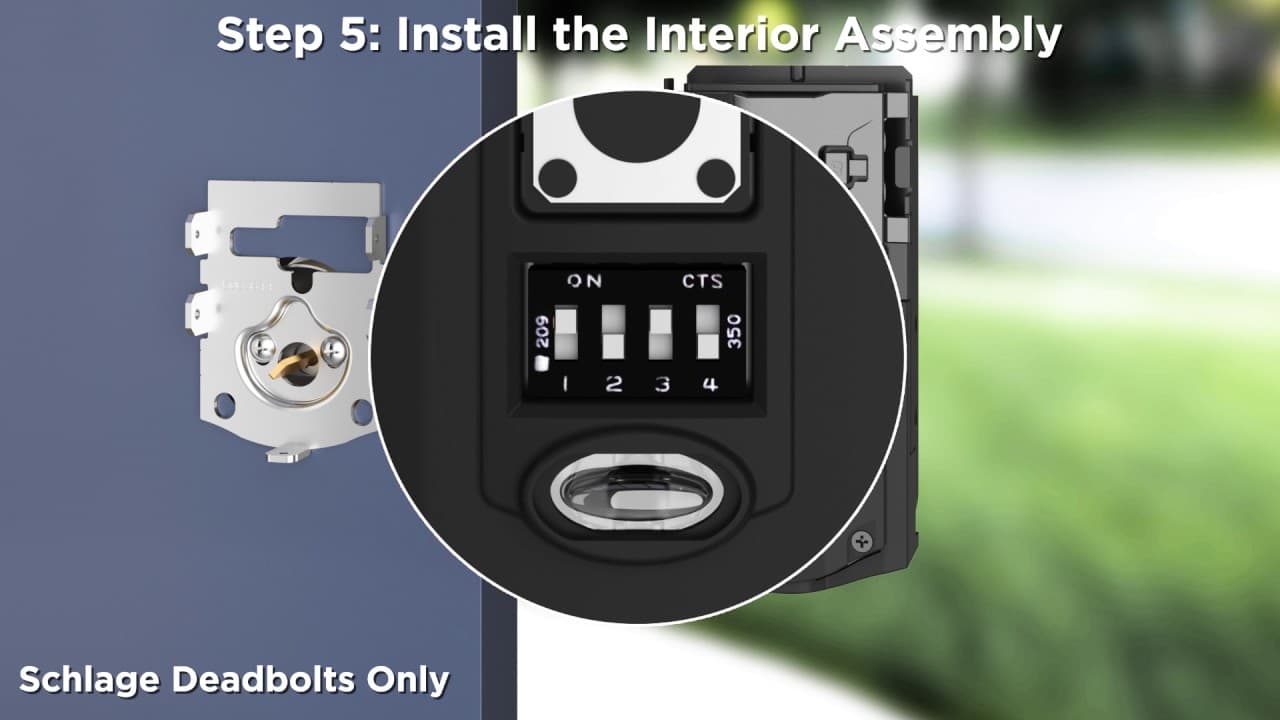
Kevo Convert Installation

Step-by-step instructions on installing the Kevo Convert Smart Lock conversion kit.

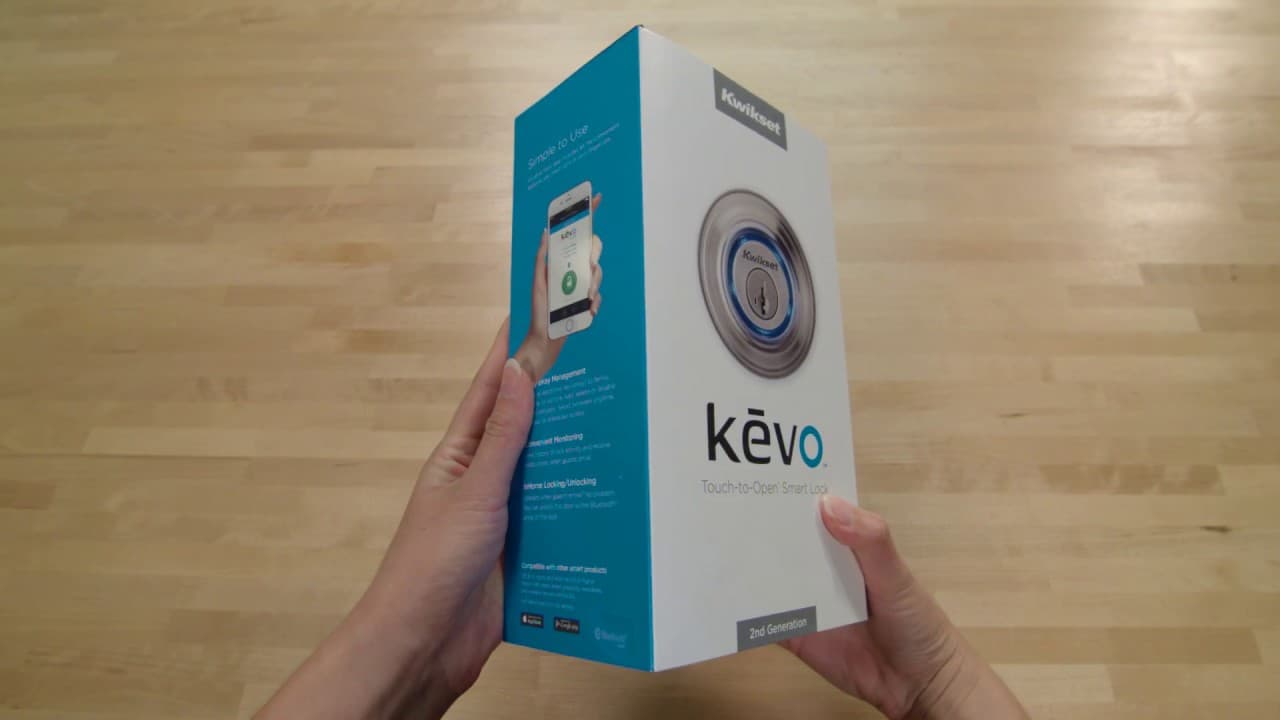
Kevo Smart Lock 2nd Gen Unboxing Video

Inside the box you will find a quick installation guide, deadbolt exterior, deadbolt interior, 4 Rayovac batteries, terms and conditions, drilling template, latch with rectangular face plate, drive-in latch, round corner strike, adapter ring, 2 standard Kwikset K way back up keys, SmartKey rekey instructions, SmartKey learn tool, screws required for installation.
supportteam2

Chat with our US-based customer service:

All Products Support

Monday-Friday: 7:00am-4:00pm PST
Saturday: 6:30am-2:30pm PST
Sundays & Major Holidays:
Closed

Electronics Technical Support

Monday-Sunday: 24 hours a day
Major Holidays: Closed

24-HR AI Chat Support

Start AI-Powered Troubleshooting 

International Customers

For countries outside the U.S. and Canada, please visit our International contact page