
Kwikset

Apple Support

Answers

Kevo Touch-To-Open Troubleshooting- iOS 10 Support

We’re pleased to share that Touch-to-Open® functionality is fully restored with Apple’s iOS 10.0.2 update. Upon downloading the latest iOS update, you will be able to use your Kevo lock with the app running in the background. If you are unable to update to iOS...
Read Answer

How Do I Enable Kevo Notifications For My Apple Watch?

Open Apple Watch App on your iPhone Select My Watch Select Notifications. Turn on Notifications for the Kevo App

Read Answer

What Do I Do If I Want To Switch The WiFi Network Of My Apple TV?

Switching your Apple TV WiFi network should not disrupt Premis connectivity to your Apple devices as long as internet connect is reliably available.

Read Answer

How Many Guests Can I “Invite” to access my Premis lock?

You can invite up to fifteen(15) Apple HomeKit to access your Premis lock through the Home app. You can also provide up to 30 user access codes using the Premis App.

Read Answer

What Do I Do If I Lose Communication With My Premis Lock?

Ensure your Apple device Bluetooth is enabled, and your Apple TV is connected to the internet and its sleep mode set to “Never”. Make certain your lock is within Bluetooth range of the Apple device/TV.

Read Answer

Do I Need To/ How Do I Update Premis Firmware?

Premis firmware can be updated by using the update feature in the Premis app.

Read Answer

Do I Need To Unlock My Apple Device’s Screen To Unlock/Lock Premis Via Siri?

Yes for using touch screen and Siri.

Read Answer

Can I Use Siri To Control Multiple Premis Locks?

Each lock can be given a distinct name, so each can be controlled individually via Siri

Read Answer

Besides A Compatible Apple TV Connected To The Internet, What Else Do I Need To Set Up Premis To Control It Remotely?

You will need the Apple TV logged into the same iCloud account as your Apple device that has the Premis app. You will also need to enable remote access on your Apple device from the HomeKit menu “Use iCloud” option on your Apple device.

Read Answer

Featured Videos

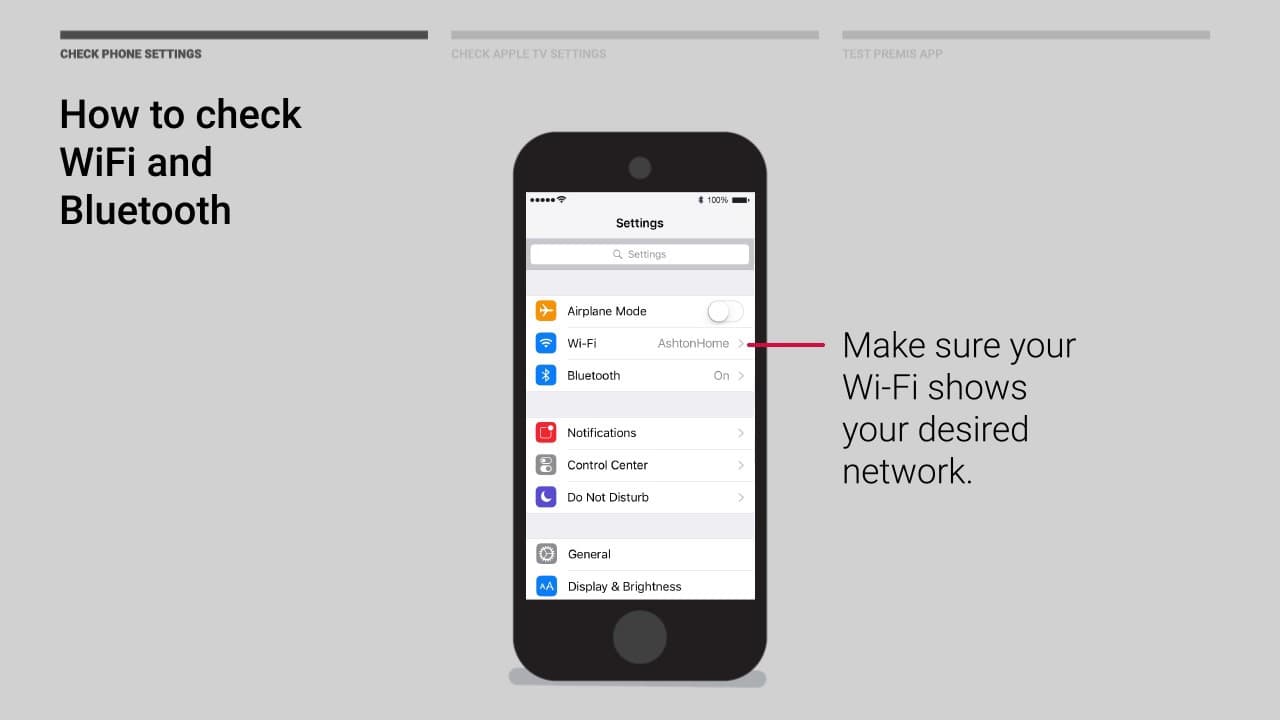
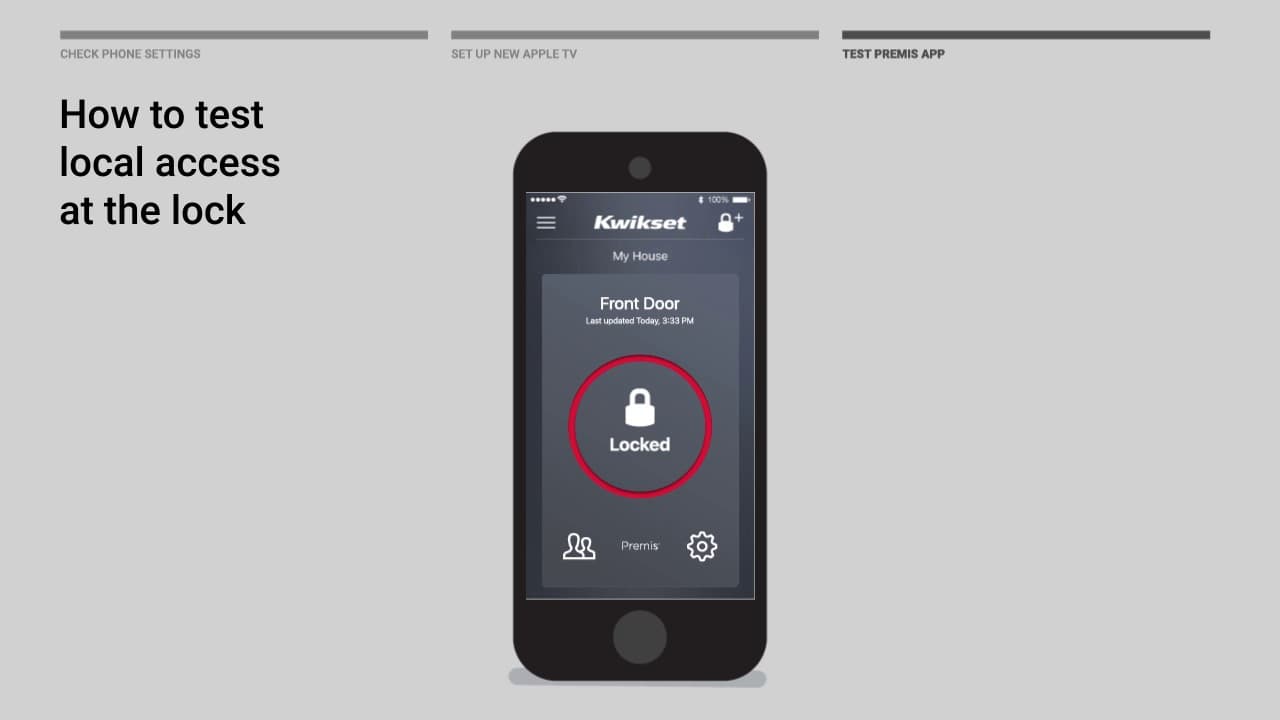
How to configure remote access with an existing Apple TV

Premis - How to configure remote access with a new Apple TV

supportteam2

Chat with our US-based customer service:

All Products Support

Monday-Friday: 7:00am-4:00pm PST
Saturday: 6:30am-2:30pm PST
Sundays & Major Holidays:
Closed

Electronics Technical Support

Monday-Sunday: 24 hours a day
Major Holidays: Closed

24-HR AI Chat Support

Start AI-Powered Troubleshooting 

International Customers

For countries outside the U.S. and Canada, please visit our International contact page