How do I manually hand calibrate my smart lock?
To manually calibrate your Halo, Aura, or Halo Touch smart lock, please follow the instructions below.

To manually calibrate your Halo, Aura, or Halo Touch smart lock, please follow the instructions below.
Four possible issues: 1. The lock interior is not mounted perpendicular to the ground. Remount lock interior assembly as illustrated in the Installation Guide that you can find online. 2. The hole in the door is misaligned. Disassemble the lock, and reinstall...
Four possible issues: 1. The door handing process was not performed correctly. Make sure to press and hold the Lock button until the battery pack is fully inserted into the interior assembly and the latch bolt starts to move on its own. 2. The mounting plate...
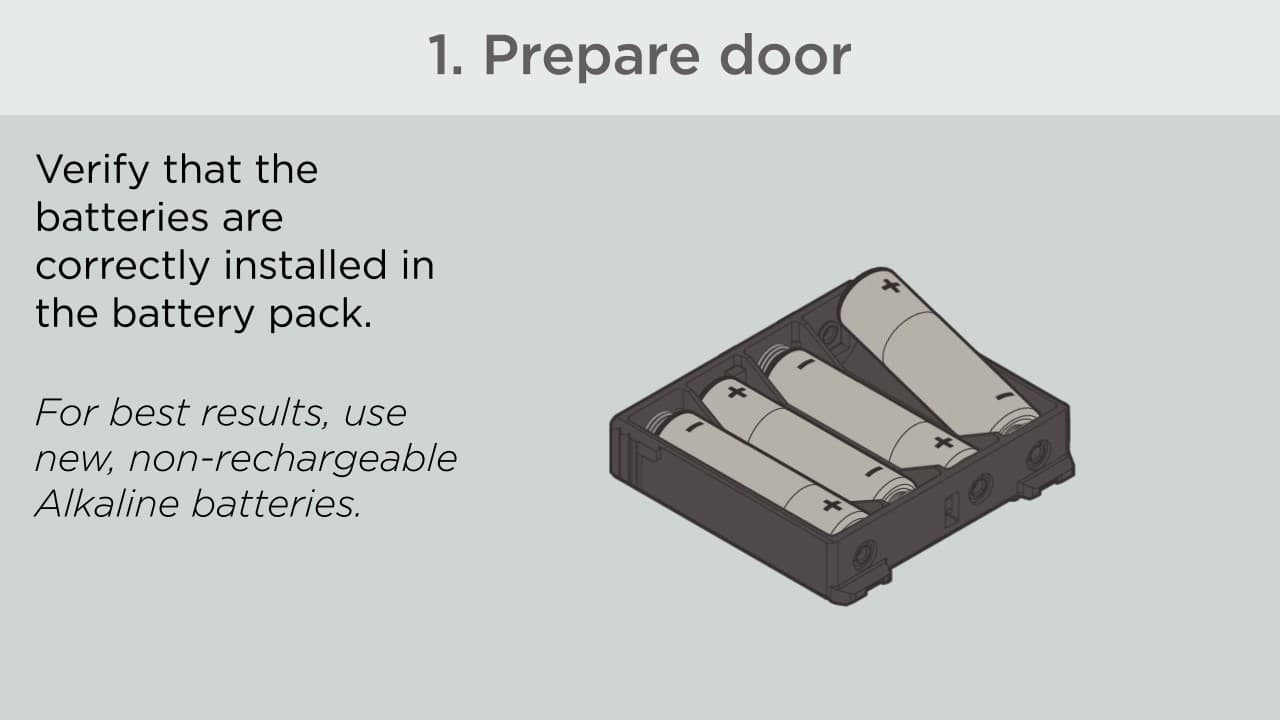
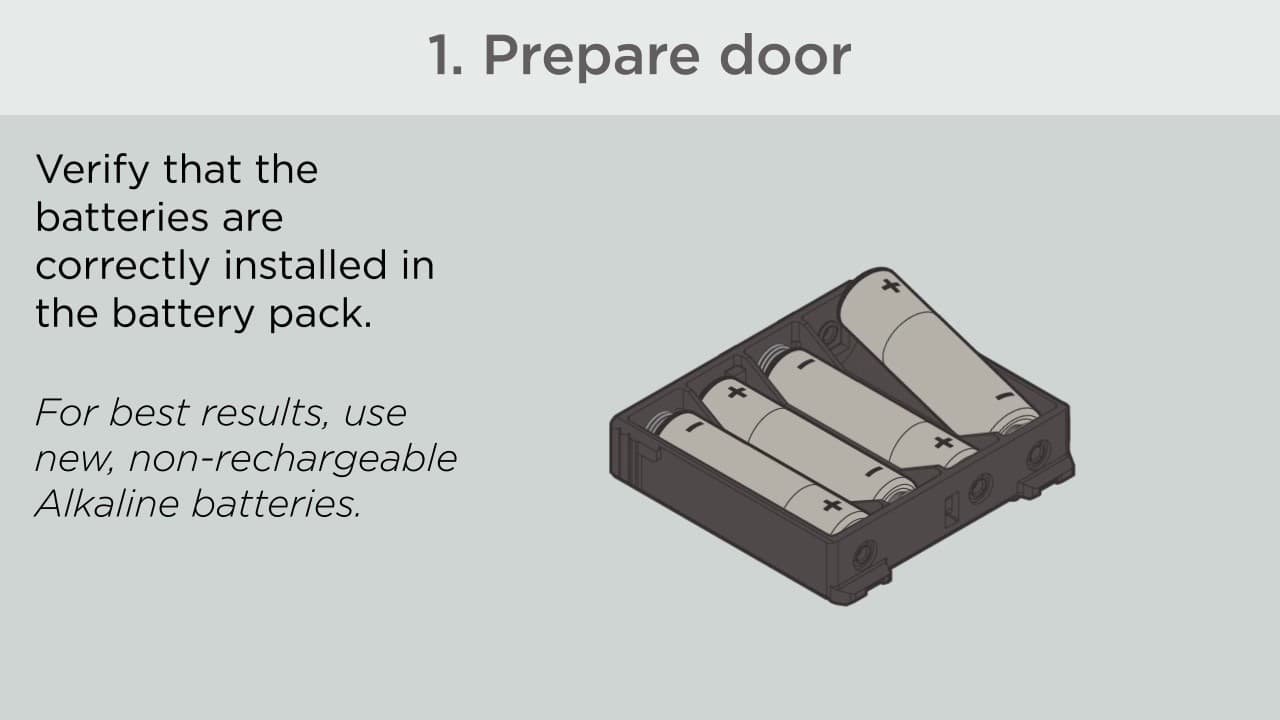
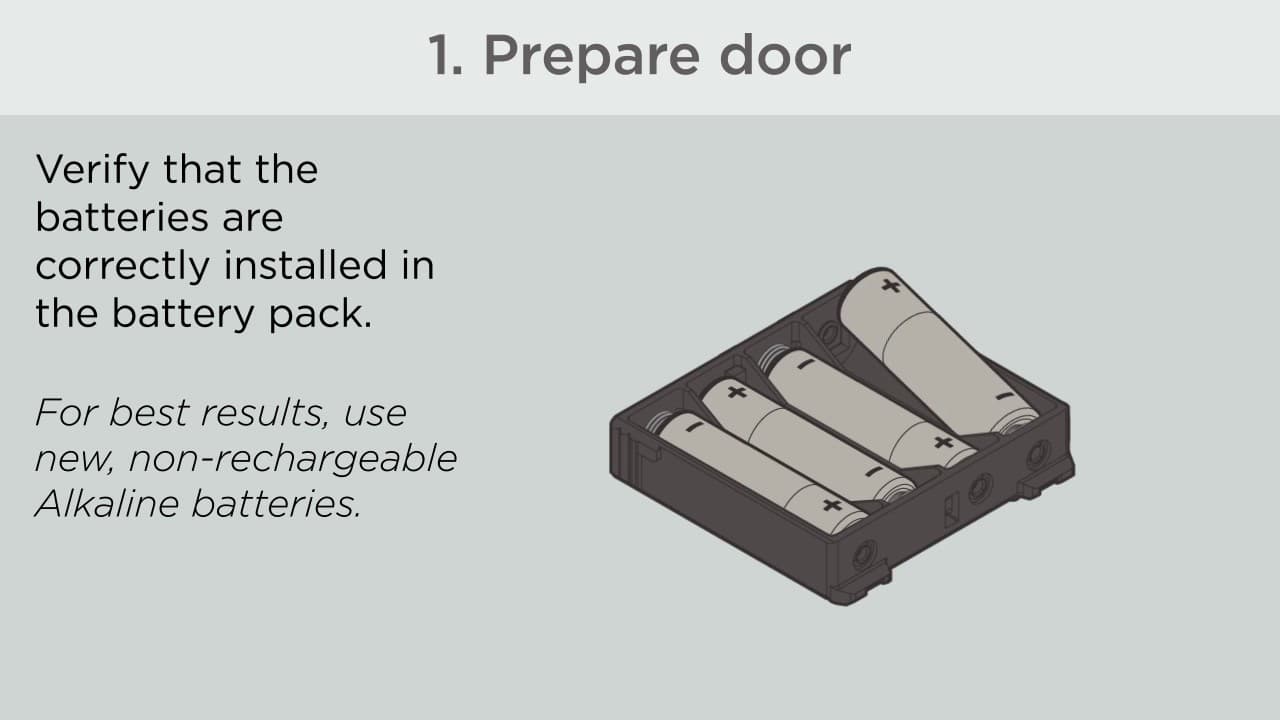
Perform the automatic door handing process 1. Remove the interior cover and battery pack 2. Make sure the door is open, and insert the battery pack. 3. After a few seconds, the latch bolt will retract and extend on its own to learn the orientation of the door....
The SmartCode is reversible and can be installed on both left and right hand doors. (1) Hold LOCK button on keypad while (2) inserting the battery pack into the interior. The lock will automatically sense the handing of the door and will extend & retract...
On the interior side of the lock where the program button is located, there is a jumper that will change the direction of the door. The peg comes off and will either cover the ""A"" and ""B"" or the ""B"" and ""C"". The link below on page # 6 illustration #4...
If needed, the door handing process can be initiated manually. This is useful if the lock is being moved to a different door. 1. Remove battery pack. 2. Press and HOLD the program button while reinserting the battery pack. Release button once battery pack is...
Set Locking and Unlocking Direction What is the location of the latch? For left-Locking Latch (If bolt goes left): Press and release PROG. You will hear 2 long beeps. Press lock button Press 1-2 button Press PROG. You will hear 1 long beep. If not, repeat the...
How to set a locking and unlocking direction? To activate the screen, touch screen with palm or back of hand until digits illuminate. While the door is OPEN and UNLOCKED, activate the screen. Enter the following code to teach the lock the orientation of the...

Monday-Friday: 7:00am-4:00pm PST
Saturday: 6:30am-2:30pm PST
Sundays & Major Holidays: Closed
Monday-Sunday: 24 hours a day
Major Holidays: Closed
Start AI-Powered Troubleshooting
For countries outside the U.S. and Canada, please visit our International contact page