
Kwikset

Add One-Time User Code Support

Answers

How do I add a one-time User Code on my Powerbolt 2?

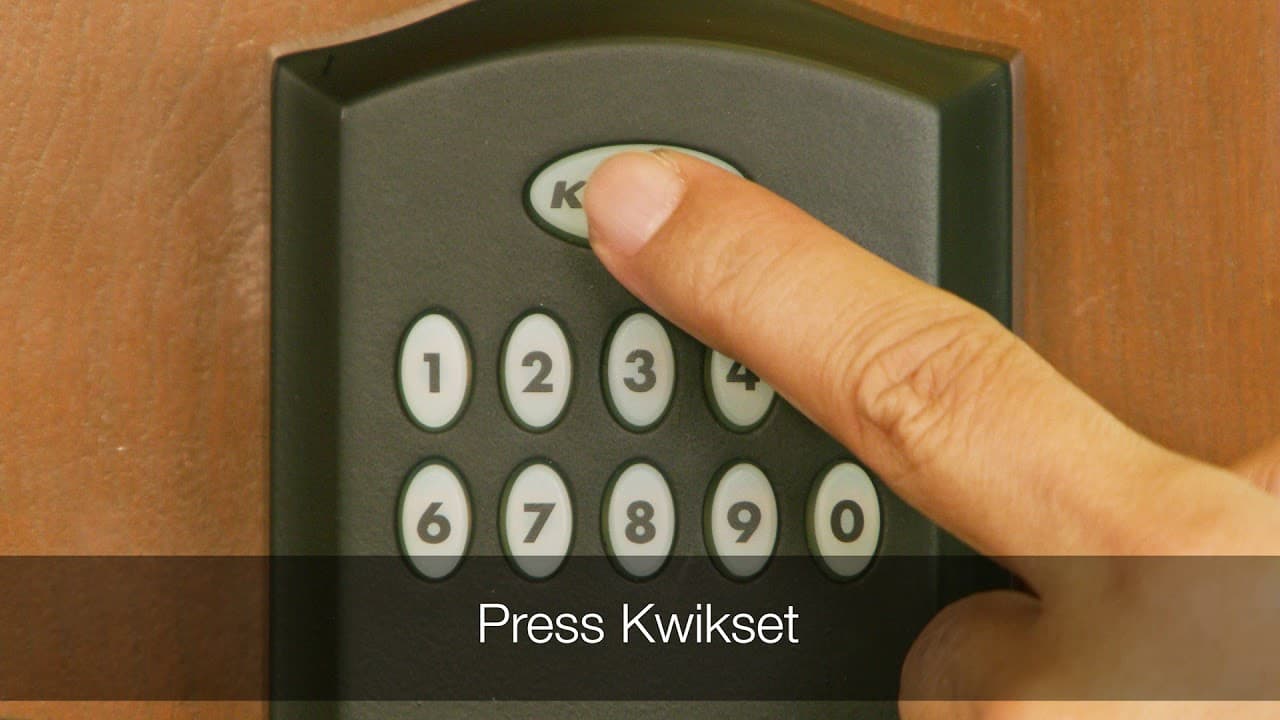
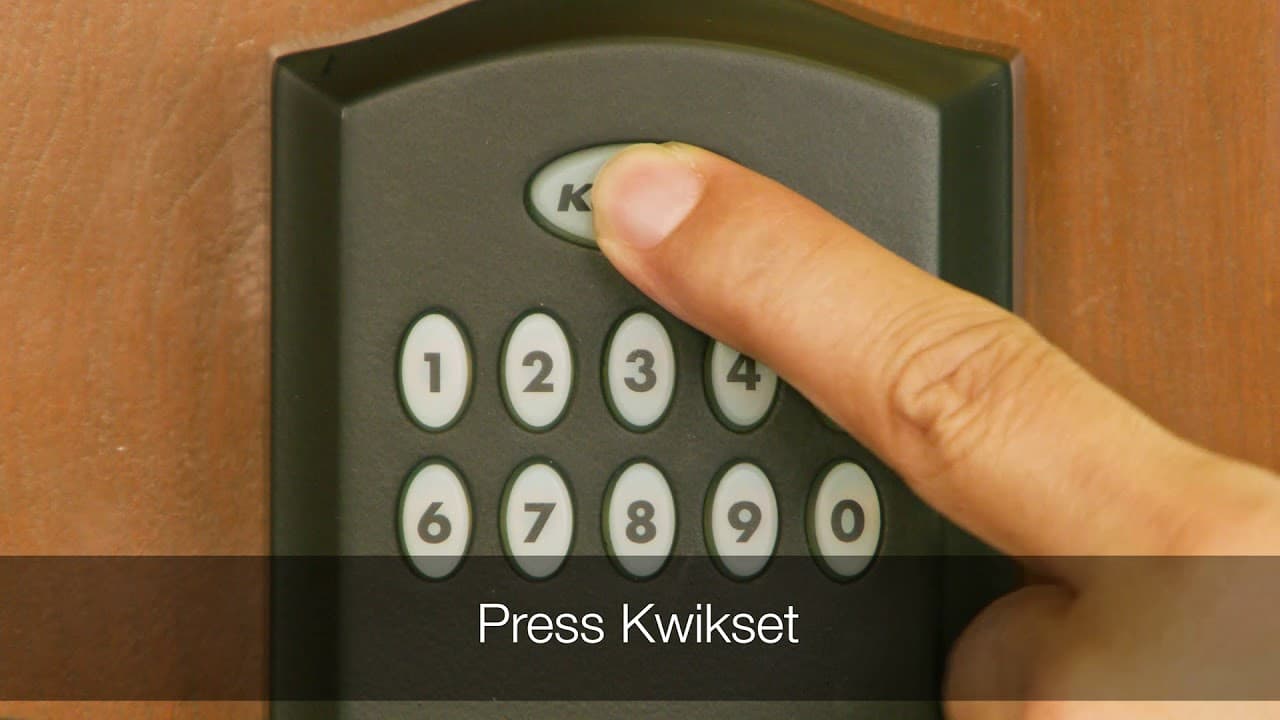
How to add a one-time User Code A one-time user code may be used only once, and then it will be deleted immediately after use. 1. Make sure the lock is unlocked and the door is open. 2. Enter your existing Mastercode. 3. Press the lock button. You will hear...
Read Answer

How do I add/delete a one-time User Code on my 275 Contemporary Deadbolt?

How to add a one-time User Code A one-time user code may be used only once, and then it will be deleted immediately after use. 1. Make sure the lock is unlocked and the door is open. 2. Enter your existing Programming Code. 3. Press enter arrow. You will hear...

Read Answer

How do I add/delete a one-time User Code on my 264 Deadbolt?

A one-time user code may be used only once, and then it will be deleted immediately after use. Make sure your door is open and unlocked 1. Enter your existing PC (Programming Code). 2. Press "Kwikset" then "9" then "Kwikset" 3. Enter a new User Code. It must...

Read Answer

Featured Videos

Programming a One Time User Code the Kwikset Smartcode 955

Adding a User Code to the Kwikset Smartcode 955

supportteam2

Chat with our US-based customer service:

All Products Support

Monday-Friday: 7:00am-4:00pm PST
Saturday: 6:30am-2:30pm PST
Sundays & Major Holidays:
Closed

Electronics Technical Support

Monday-Sunday: 24 hours a day
Major Holidays: Closed

24-HR AI Chat Support

Start AI-Powered Troubleshooting 

International Customers

For countries outside the U.S. and Canada, please visit our International contact page